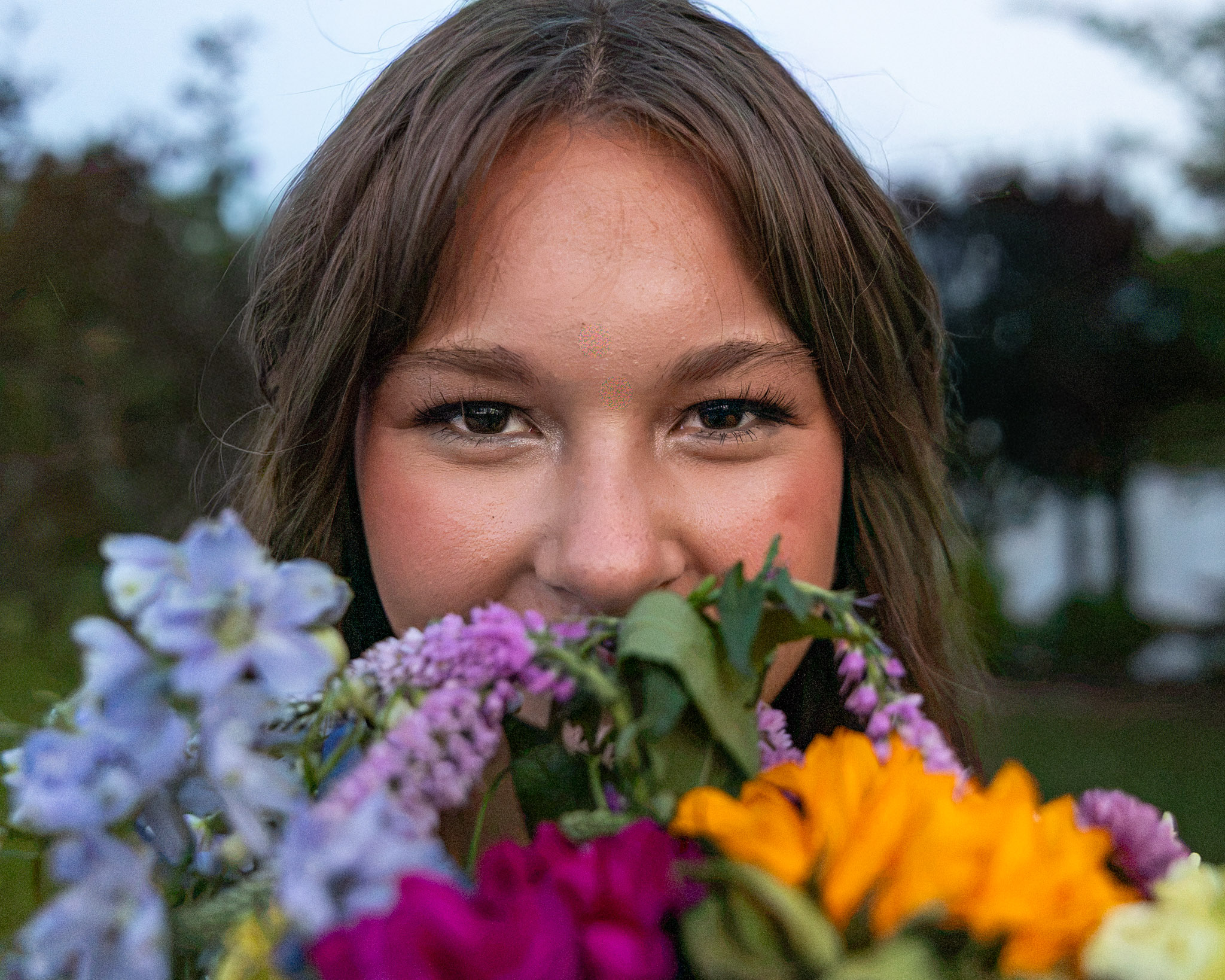
How to Build a Pinterest Board for Your Senior Pictures
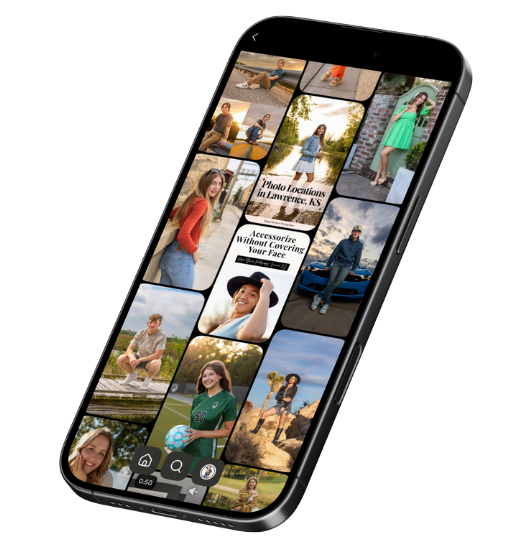
Most seniors have a camera roll full of saved photos. Very few turn those saves into something their photographer can use. A Pinterest board for senior pictures fixes that. Build one small board with four kinds of pins: hair and makeup, outfits, locations, and poses. Keep it realistic, then send me the link. This guide covers what to pin, what to skip, and how your board shapes your senior session in Lawrence, Kansas.
Why a Pinterest Board Helps Your Senior Session
Here is something I have noticed. Most seniors never show me a board at all. A few send hair and makeup screenshots right before their session. Those help, but they only tell half the story.
A board shows me what you are drawn to. The colors you love. The places that feel like you. The way you want your gallery to feel.
I won’t copy any photo exactly. Your session is built around you, not someone else’s picture. Your board gives me direction, so I can plan locations, outfits, and posing that fit you. To see how that plan comes together, read what actually happens on your senior session day.
Start With One Board for Your Senior Pictures
Make one board just for your session. Name it something simple, like “My Senior Pictures.”
Pinterest lets you make a board secret. Only you and the people you invite can see it. That works well if you want to keep your plans private.
Then add a section for each type of pin below. Sections keep your board easy to scan.
What to Pin on Your Pinterest Board for Senior Pictures
Hair and Makeup Looks
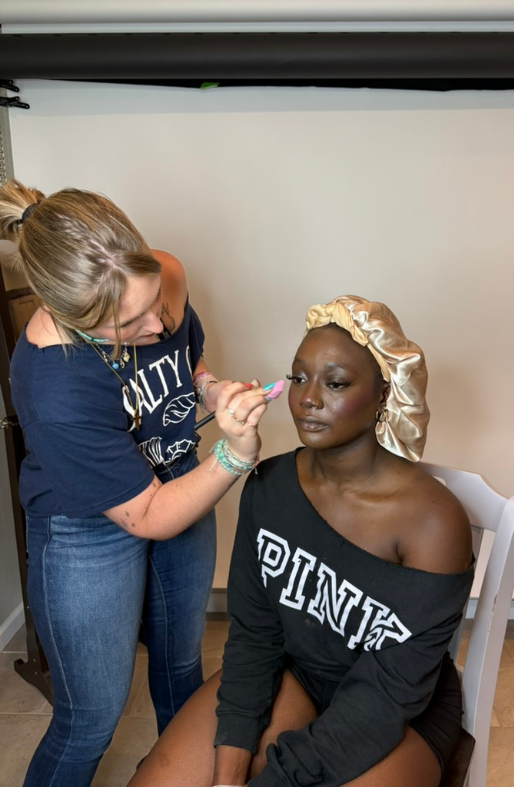
Save 3 to 5 hair and makeup looks you love. Pick looks that feel doable and fit your features and outfits. Skip heavy filters, since they hide what the hair and makeup really look like.
Professional hair and makeup is included for every senior. Analeigh does it at my studio before your session starts. Your pins show her the look you want, so you sit in her chair already on the same page. Guys choose hair, makeup, both, or neither, and a few hairstyle pins help here too. Here is why hair and makeup is included in your senior session.
Outfits, Colors, and Style
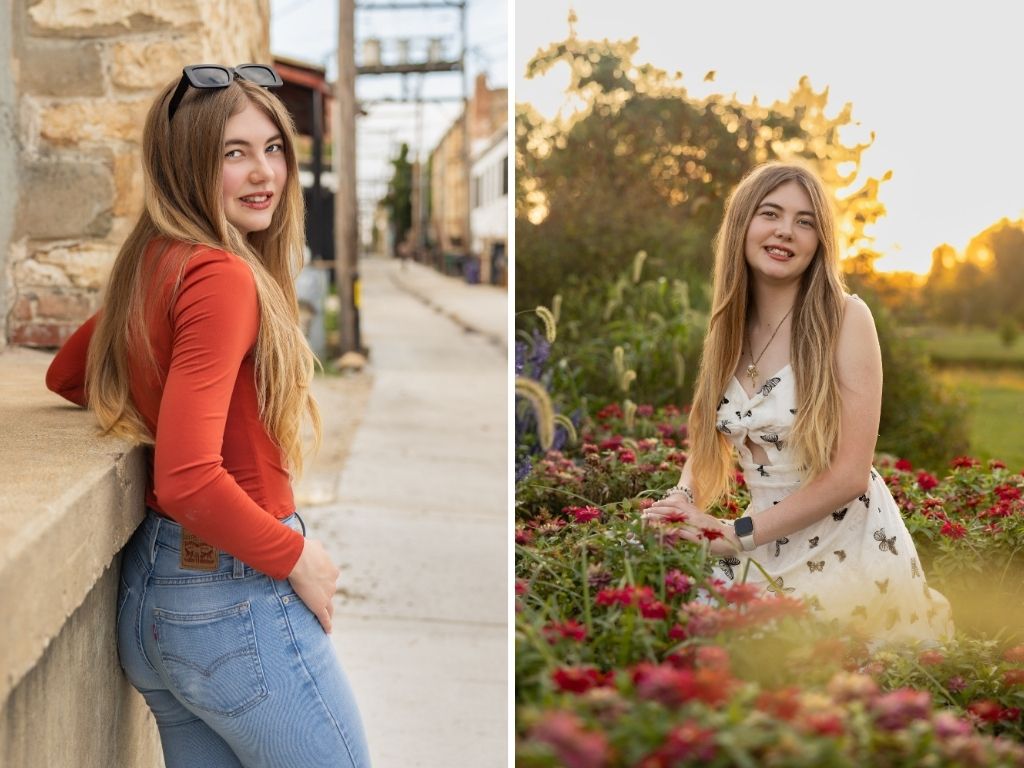
Pin outfits and colors that feel like you. Think casual, elevated, and dressy. Most of my sessions include 3 to 5 outfits, so variety on your board helps us plan a full gallery. For more ideas, read what to wear for senior pictures and how to style fall layers without looking bulky.
Location Vibes
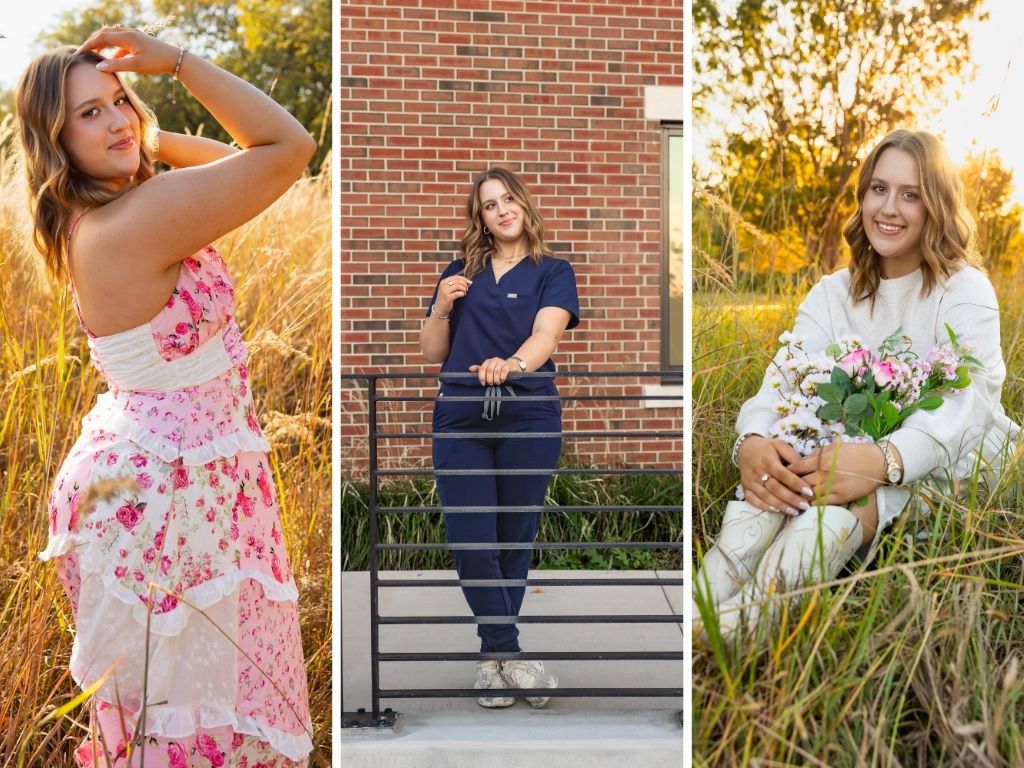
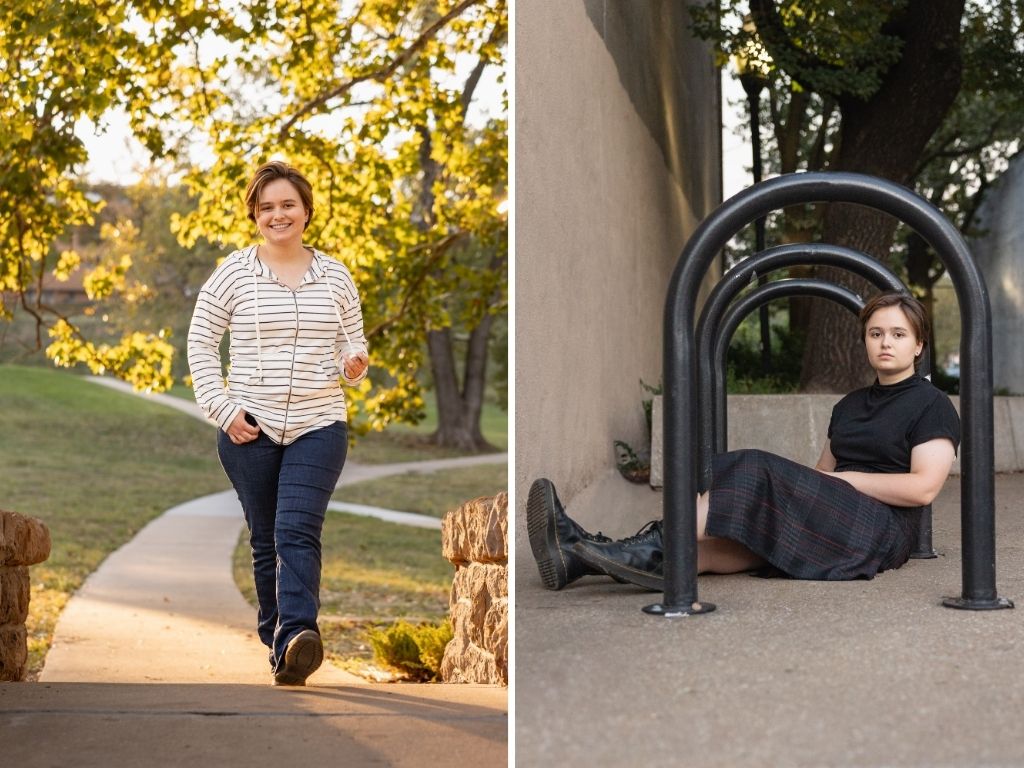
Pin the feel of a place, not just the place. City streets, open fields, water, campus buildings, or a clean studio look all work. We may not use the exact spot you pinned. I’ll match your vibe to a real Lawrence location, like downtown, the Arboretum, or KU’s campus. See my guide to senior photo locations in Lawrence, KS.
Poses and Moments
Save poses and moments you love. Laughing, walking, sitting, or a close-up all count. You don’t need to know how to pose. I guide you through every pose, from where to look to what to do with your hands. Your pins just show me what you like. If the camera makes you nervous, read what to do if you feel awkward in front of the camera.
What to Skip on Your Board
- Too many pins. A board with 100 pins makes it hard to see what you actually love. Aim for 15 to 25.
- Heavily filtered photos. I hand edit every image in a bold, true-to-color style. You still look like yourself. Pins with plastic, overly smoothed skin set the wrong goal.
- Photos you want copied exactly. The light, the place, and the person are all different. Use pins for direction, not a shot list.
- Pins that don’t feel like you. If you would never wear it or do it, leave it off.
How to Share Your Pinterest Board With Me
Once you book, open your board and tap the share button. Copy the link and send it to me. You can also invite me as a collaborator on the board.
Send it at least two weeks before your session. I’ll review it while we plan your outfits and locations. I’ll also pass your hair and makeup pins to Analeigh, so she knows your look before you arrive.
Pinterest Board FAQs
How many pins should a senior picture Pinterest board have?
Aim for 15 to 25 pins total. That is enough to show a clear style without burying your favorites.
Do I need a Pinterest account?
Pinterest is free and easy to set up. If you’d rather skip it, save your ideas to one phone album and send me screenshots instead.
Can my parents add to the board?
Yes. Invite a parent as a collaborator. They can add a must-have shot or a family photo idea.
Will my photos look exactly like my pins?
No, and that is a good thing. Your pins guide the mood, colors, and style. Your gallery shows you, not a copy of someone else.
Your Pinterest Board Is Step One
A strong board is small, honest, and all about you. Pin your hair and makeup, your style, your favorite kinds of places, and a few poses. Then send me the link. Your Pinterest board for senior pictures sets the direction. Next comes getting ready for session day.
For more ideas while you pin, follow me on Pinterest.
Get the Free Senior Session Prep Checklist
Your board shows the look. My free Senior Session Prep Checklist shows you how to get there. It covers outfit formulas, an accessory list, a prep timeline, what to bring, and what to expect on shoot day. It is the same prep process I walk my MBP seniors through.
Megan Bowers is a senior portrait photographer in Lawrence, Kansas. She guides every senior through outfits, locations, and posing, so session day feels easy and the gallery looks like them.
Your Senior Year. Turned All the Way Up.
Save this guide to your senior pictures board.


READY WHEN YOU ARE
YOUR SENIOR YEAR. TURNED ALL THE WAY UP.
Every senior gets pro hair and makeup and a fully guided session.
Class of 2028 booking opens in March 2027.
START YOUR REQUEST

